Making NGL Better, Then Better Again
Play put a whole video business in one console. It transcodes the video, builds the players, serves the ads and reports on the whole kit and caboodle, all from one tidy interface simple enough to be run by a single employee.
Brief
Challenge
NGL Media’s video business ran on a different vendor for every step: hosting, players, ad serving and reporting. It needed one platform of its own, simple enough for a small team to run.
Implementation
A custom platform built in phases from 2014 to 2023: a console for uploading and transcoding video, building players and managing accounts; a JavaScript player under 30KB that parses VAST and VPAID tags in a range of formats; an in-house ad server with orders, targeting, pacing, frequency capping and forecasting; and reporting synced with Google Ad Manager.
Results
2,126 players on 97,900 domains, all run by one person, with daily ad impressions exceeding 1,466,163.
Tracked video views with 28% greater accuracy than LiveRail on the same sites.
Turned NGL’s idea into a working platform and kept making it more efficient for nine years, until it was acquired in 2023.
The Network
Making the Marketplace
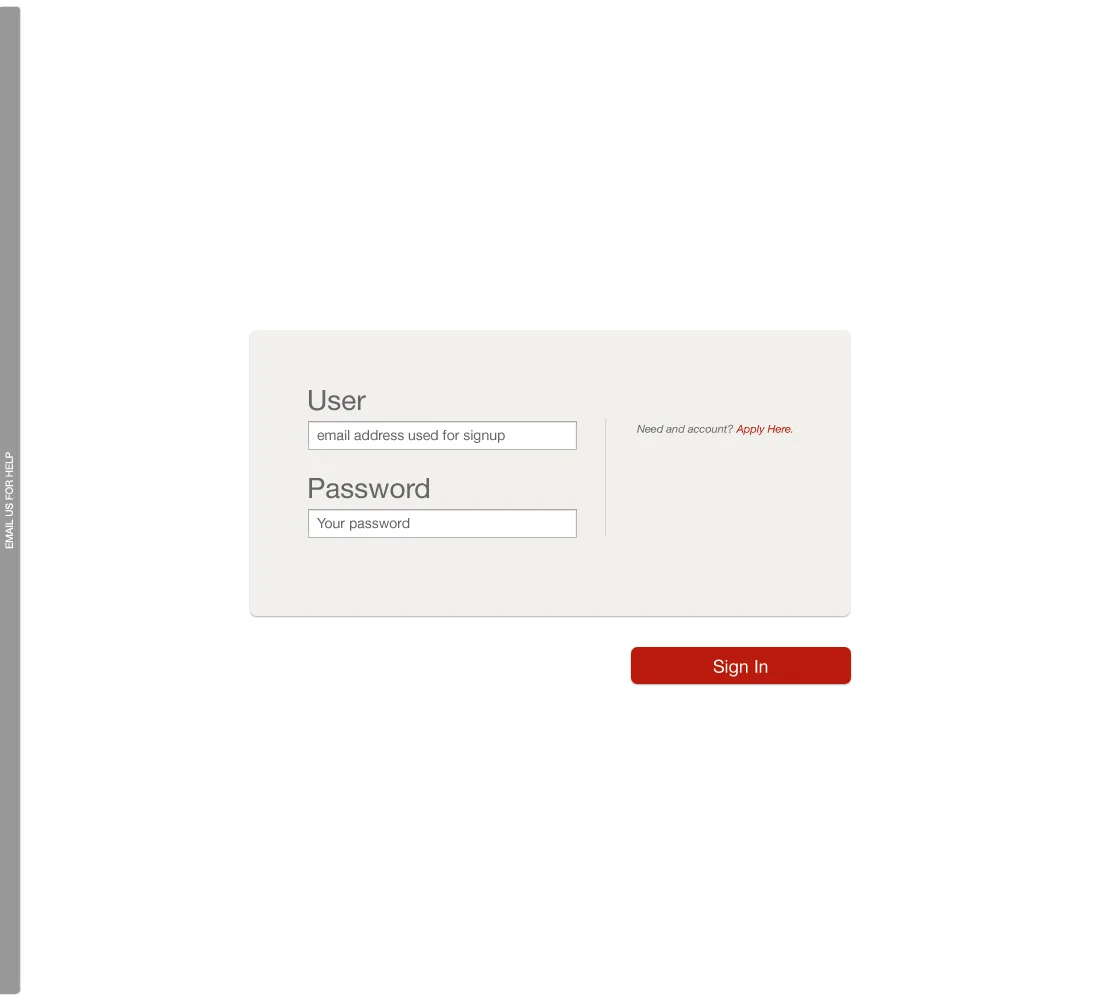
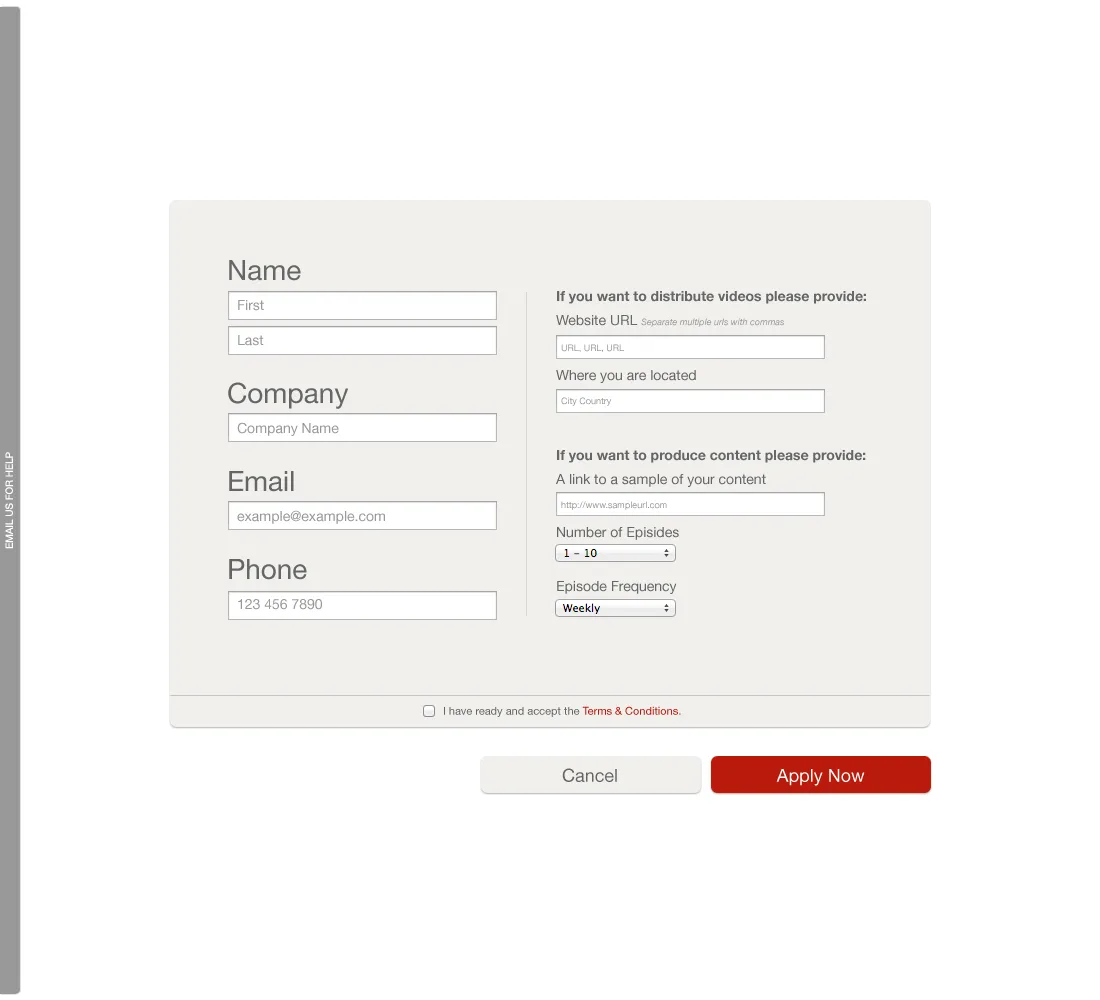
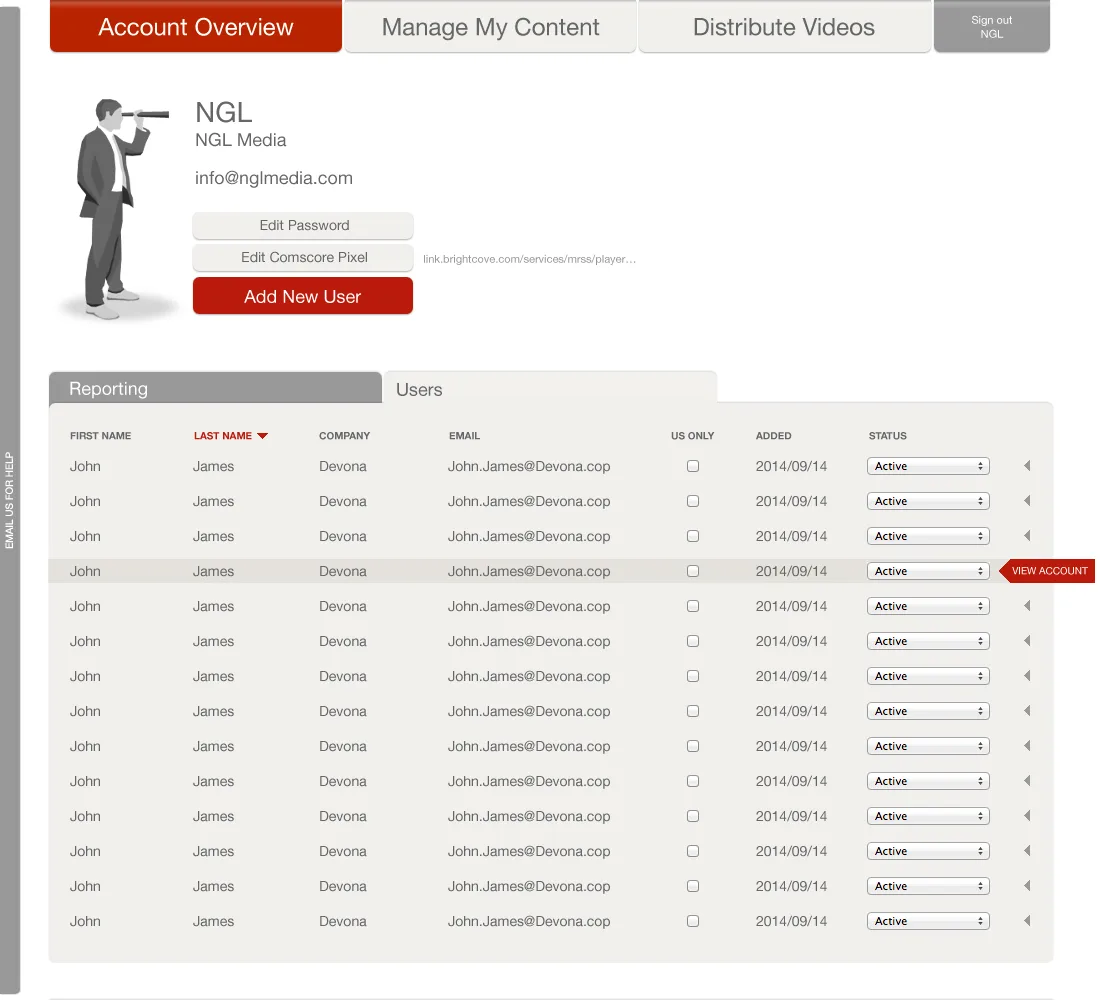
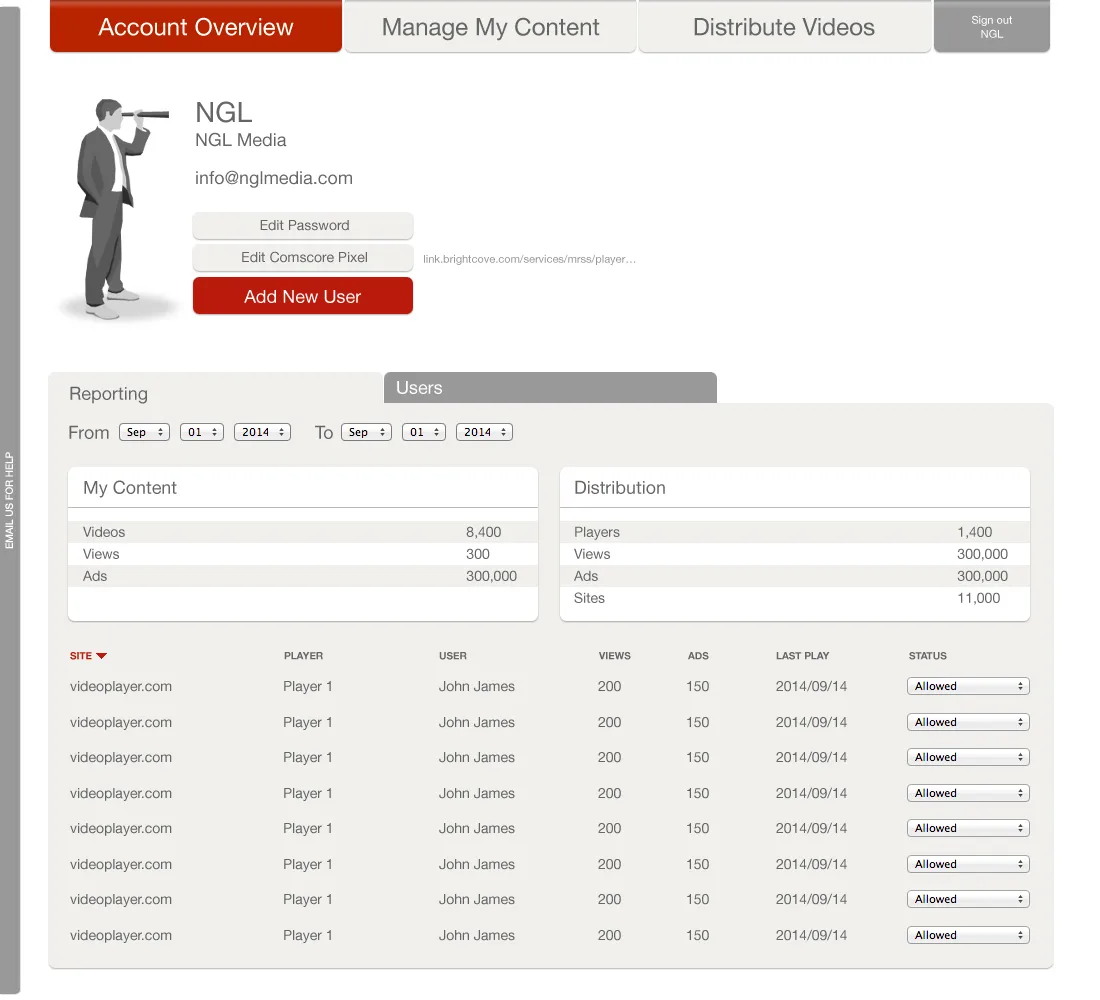
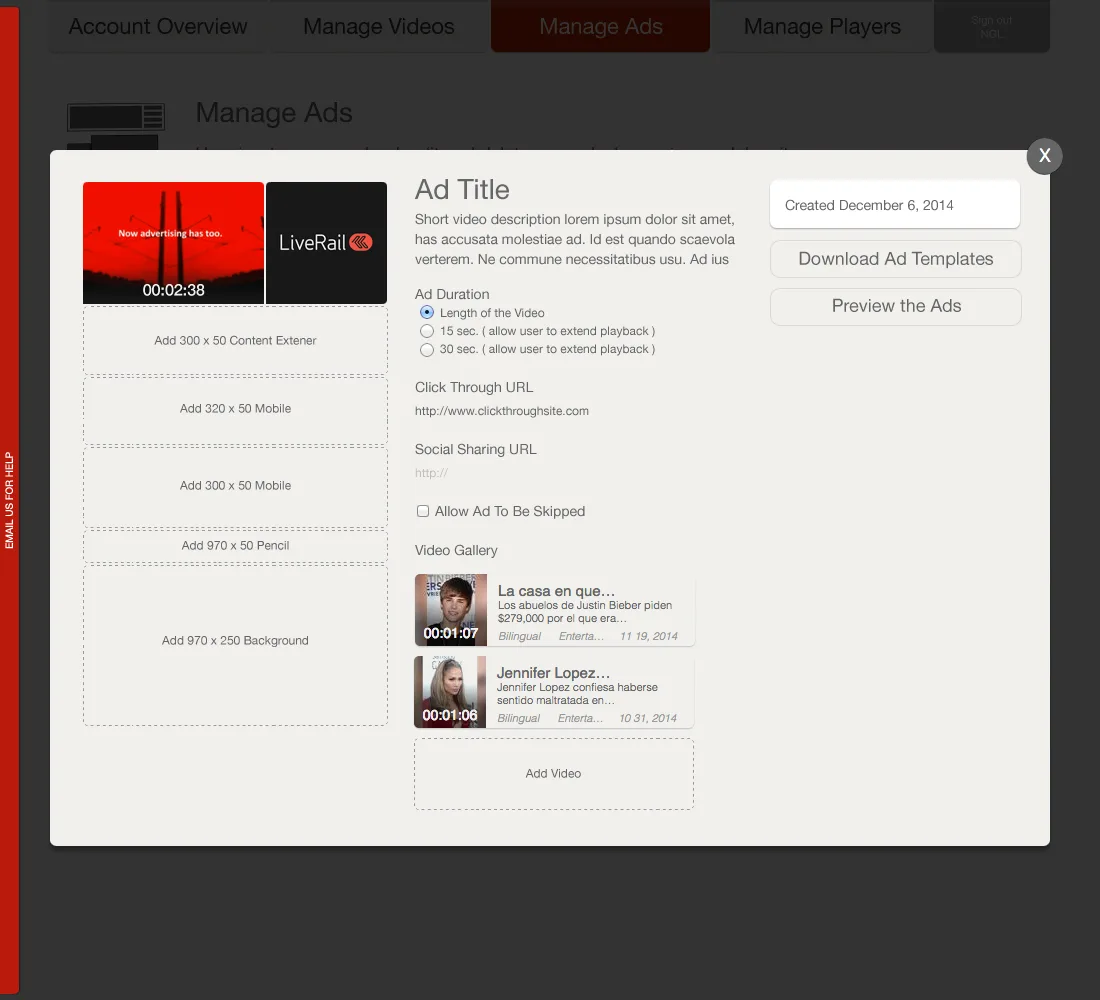
NGL didn’t just want a video player. It wanted a network where content partners could upload their shows, publishers could download players, and NGL could sell the ads in between. So the first build was a whole console. Uploads encoded themselves for every device, you could build a player from a playlist, and the targeting put the right ad in front of the right video.
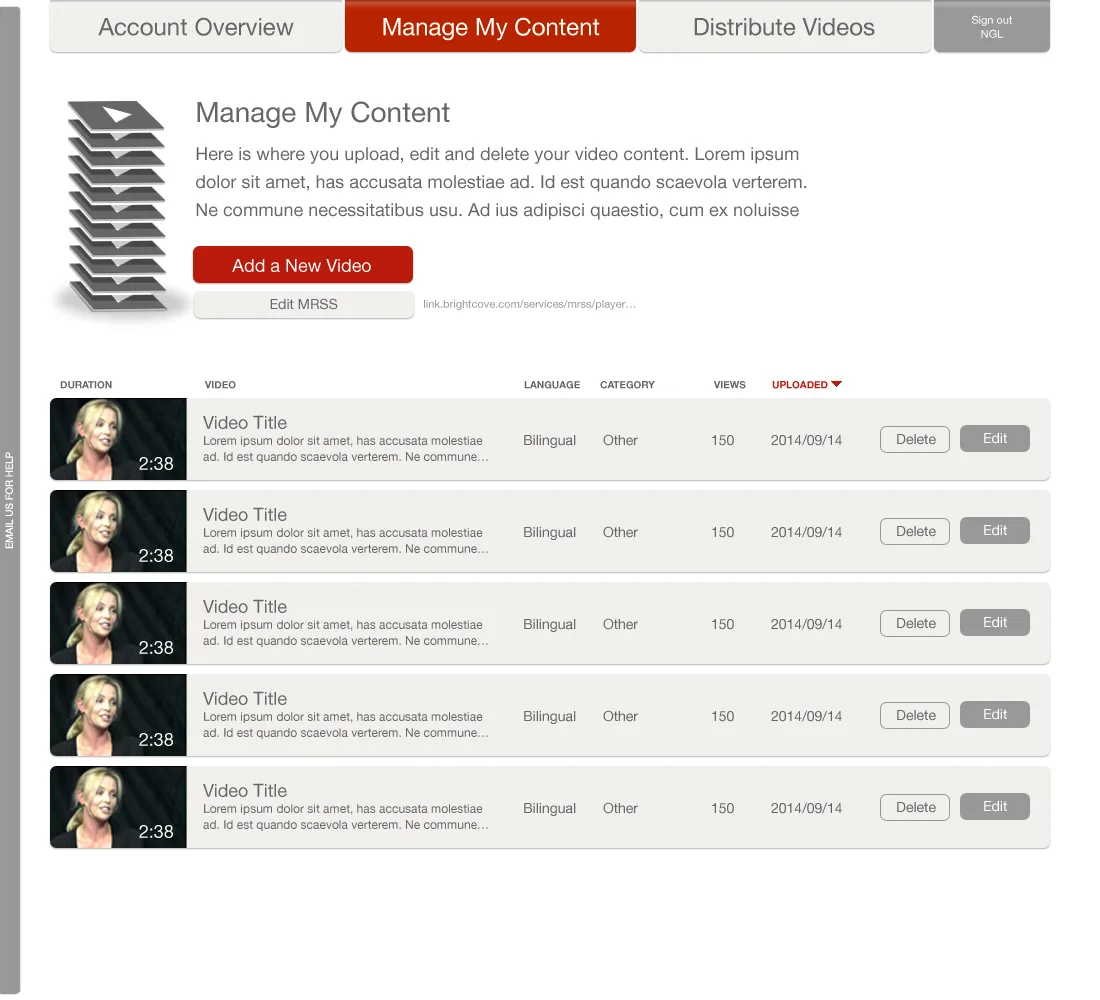
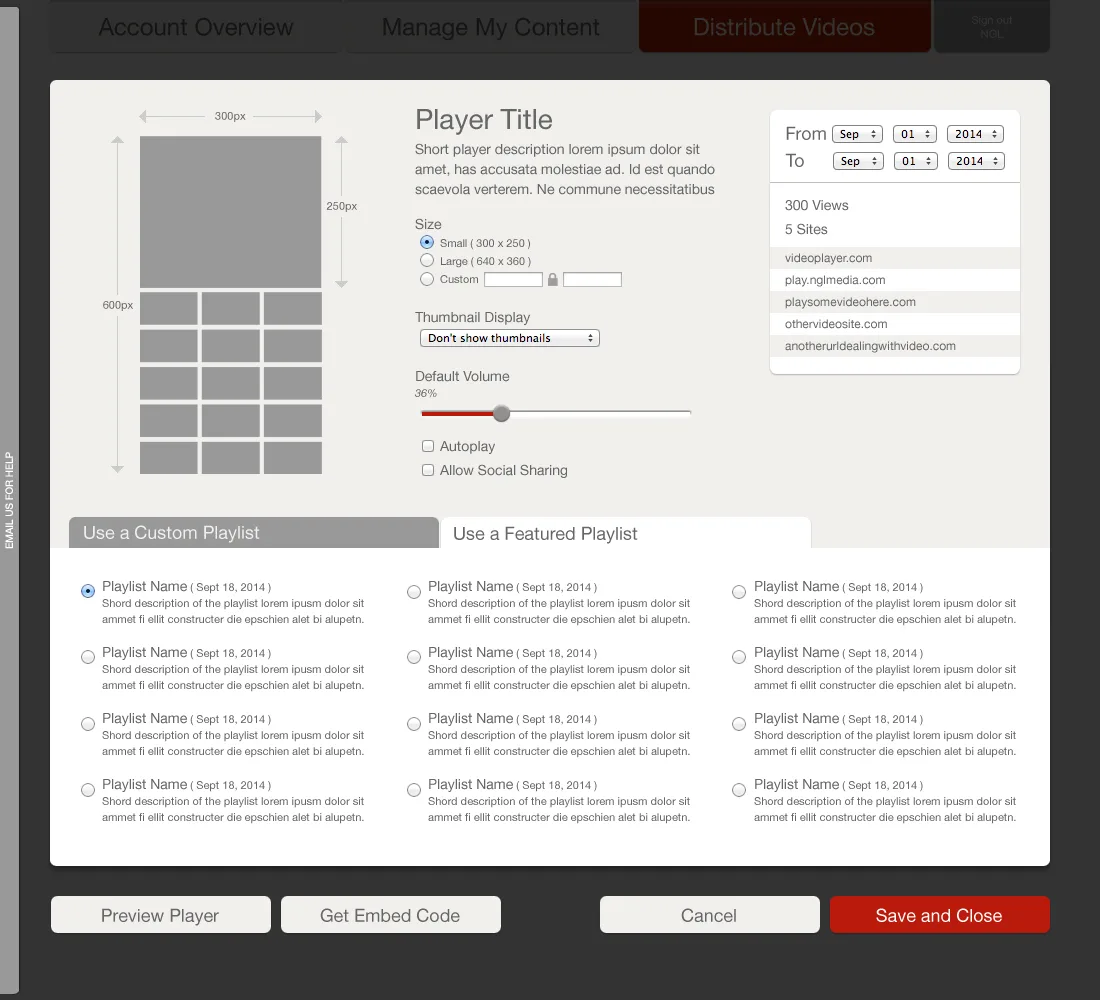
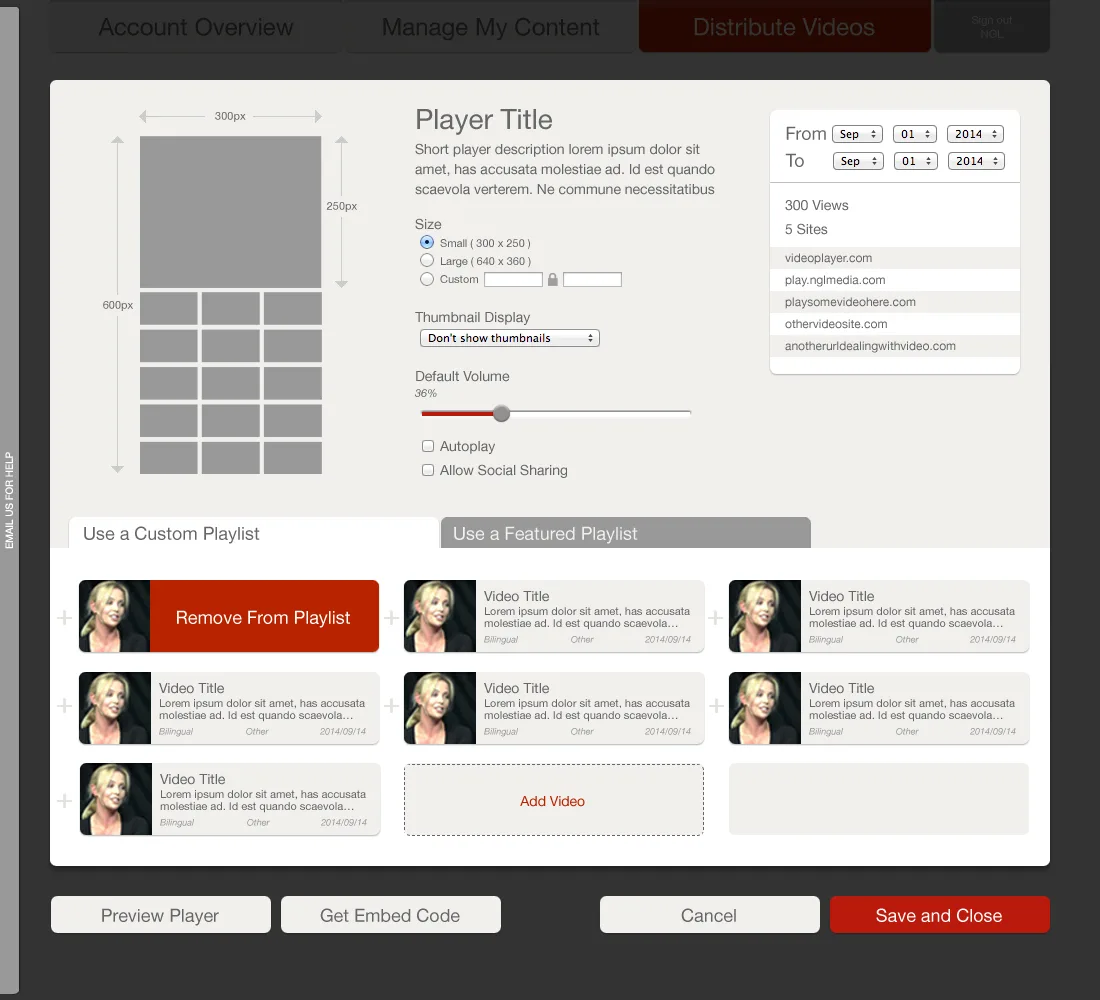
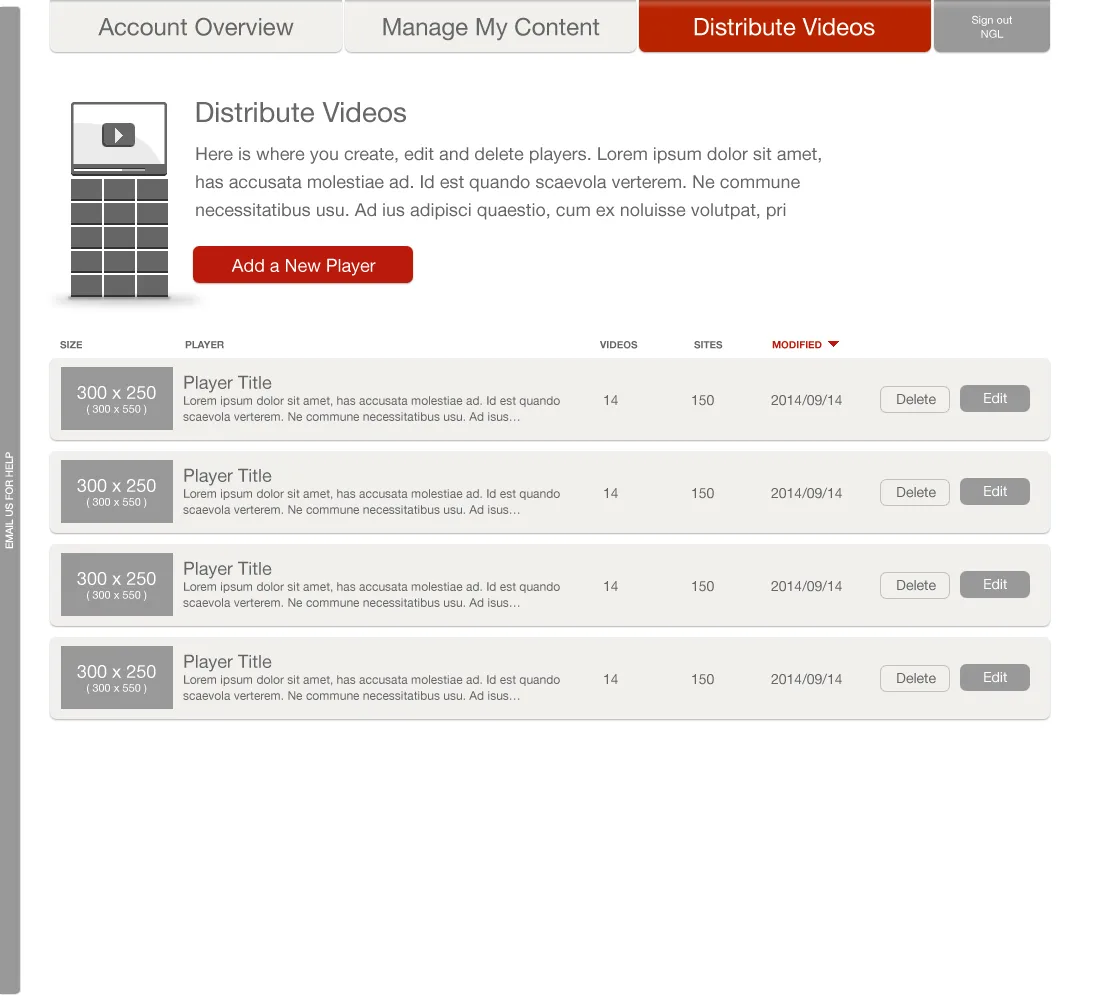
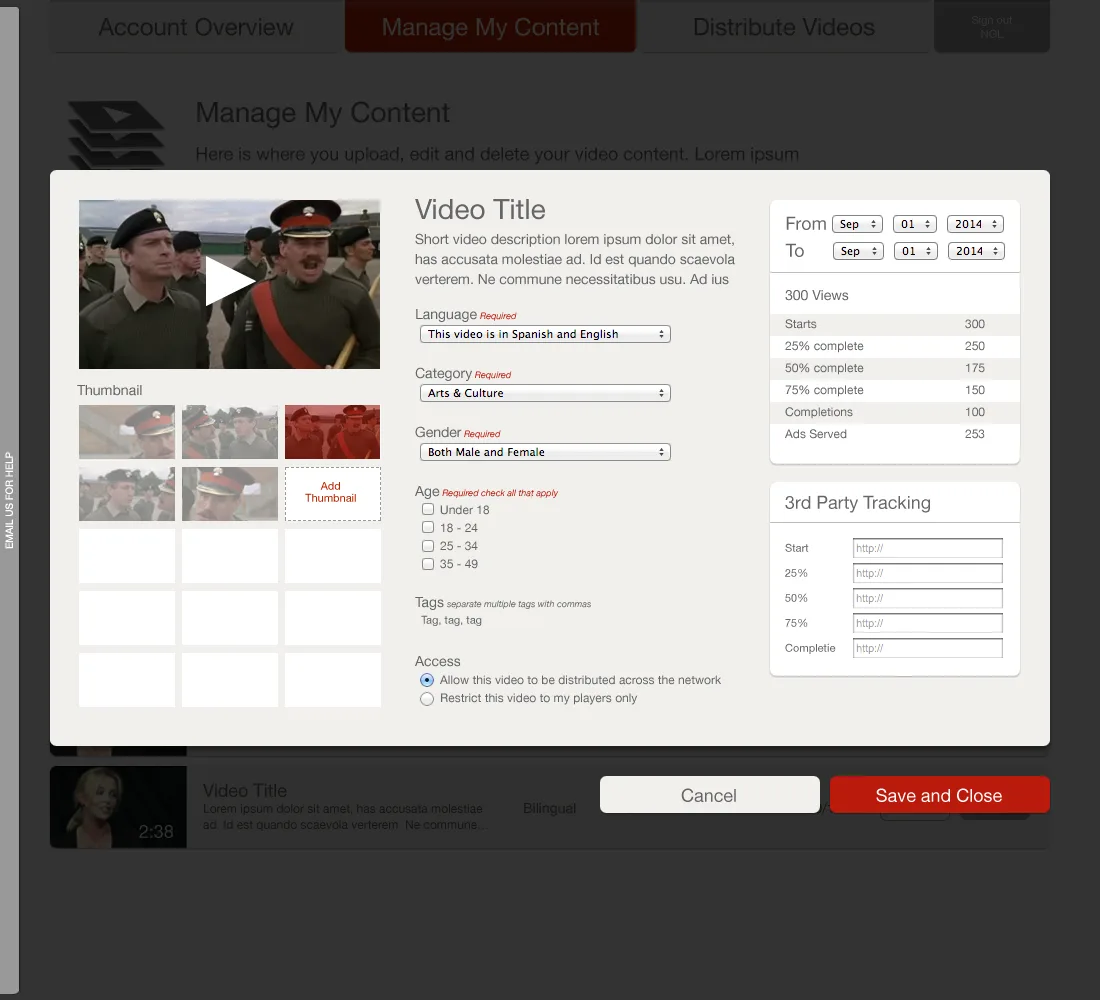
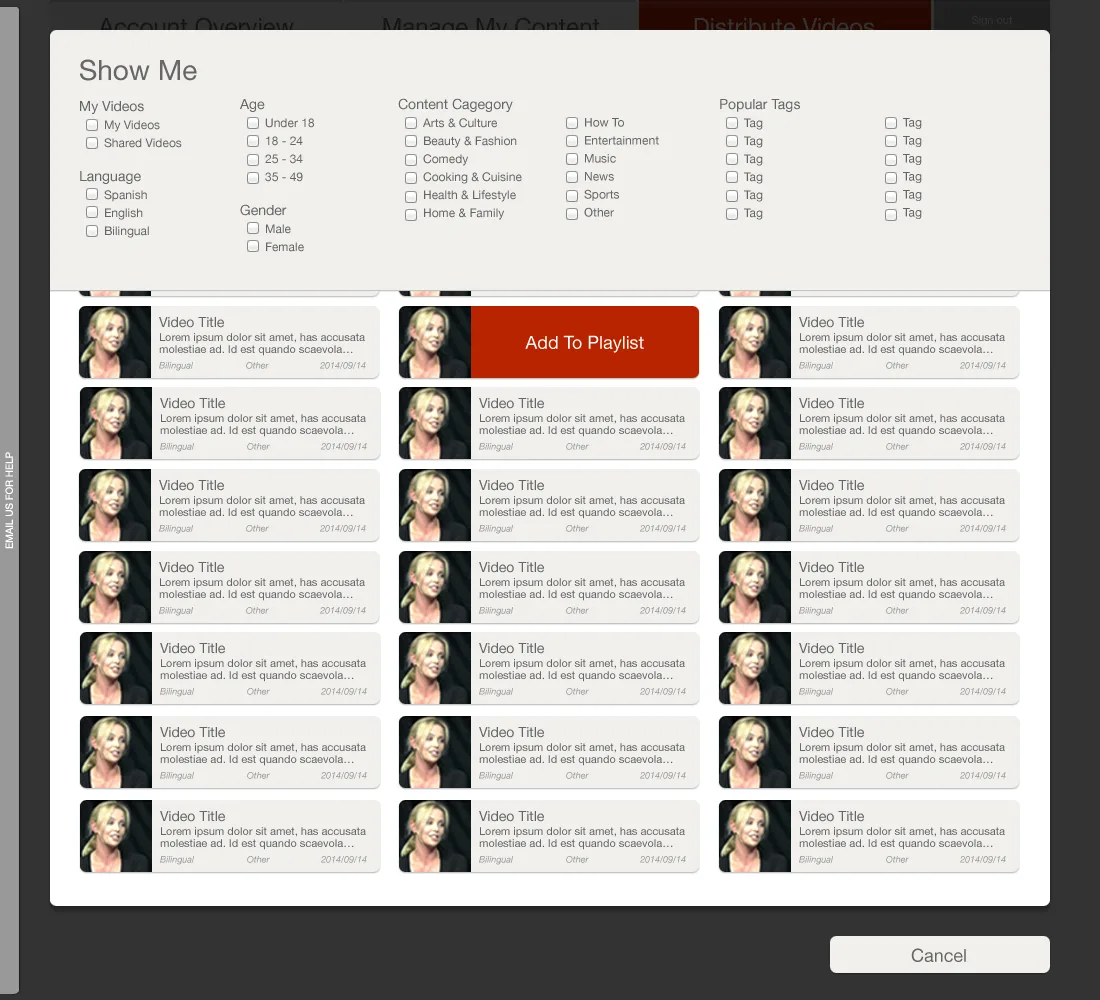
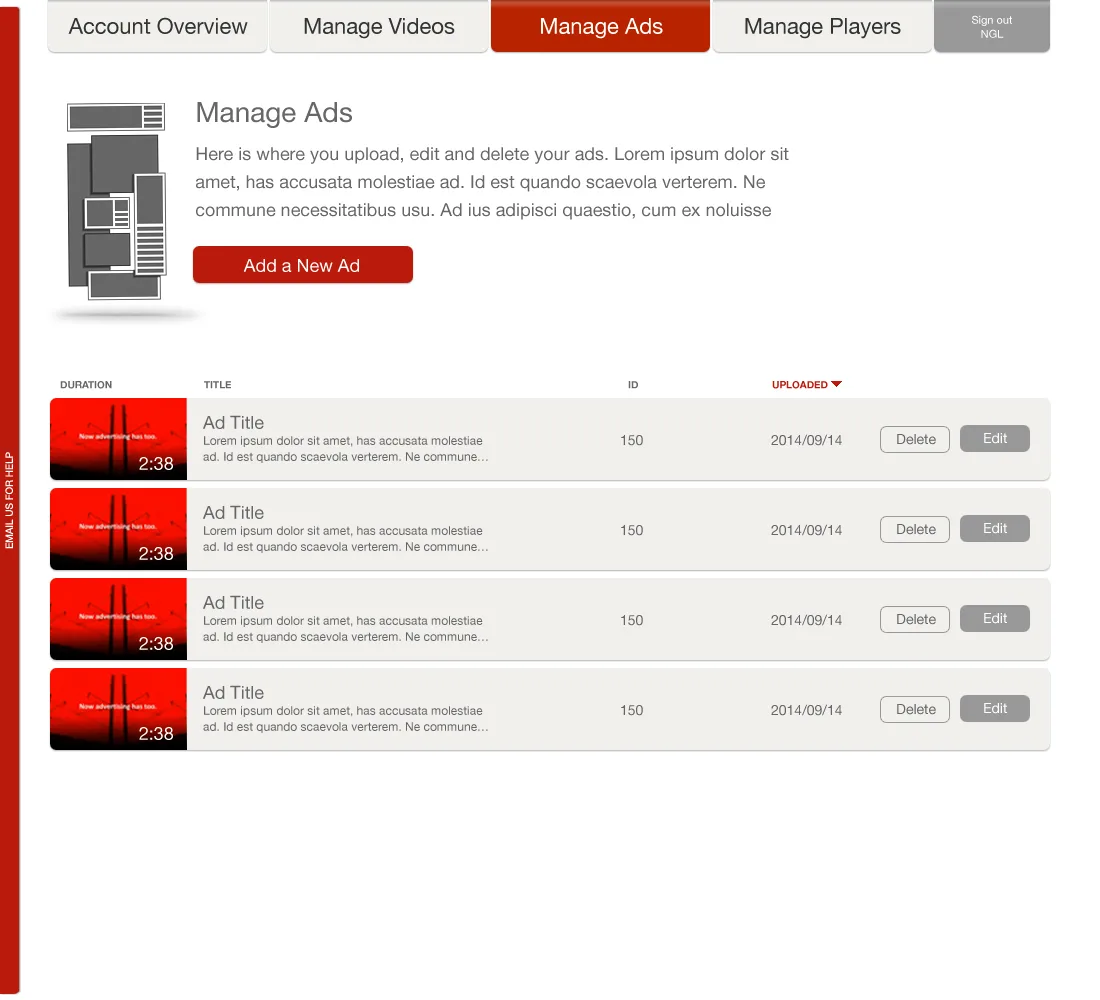
Round one kept things simple. As ads came along, the system stretched to fit them: the same layout and the same few parts, with new screens for building and managing custom ads.
First Live
Checking Our Math
Play went live in December 2014 on news and sports sites across Latin America: Diez in Honduras, and La República and Líbero in Peru. The ads still ran through LiveRail, so for weeks we checked our numbers against theirs every day. They matched to within a few percent, which is exactly the kind of boring you want from your impression counts.
The Players
Shaping Up the Players
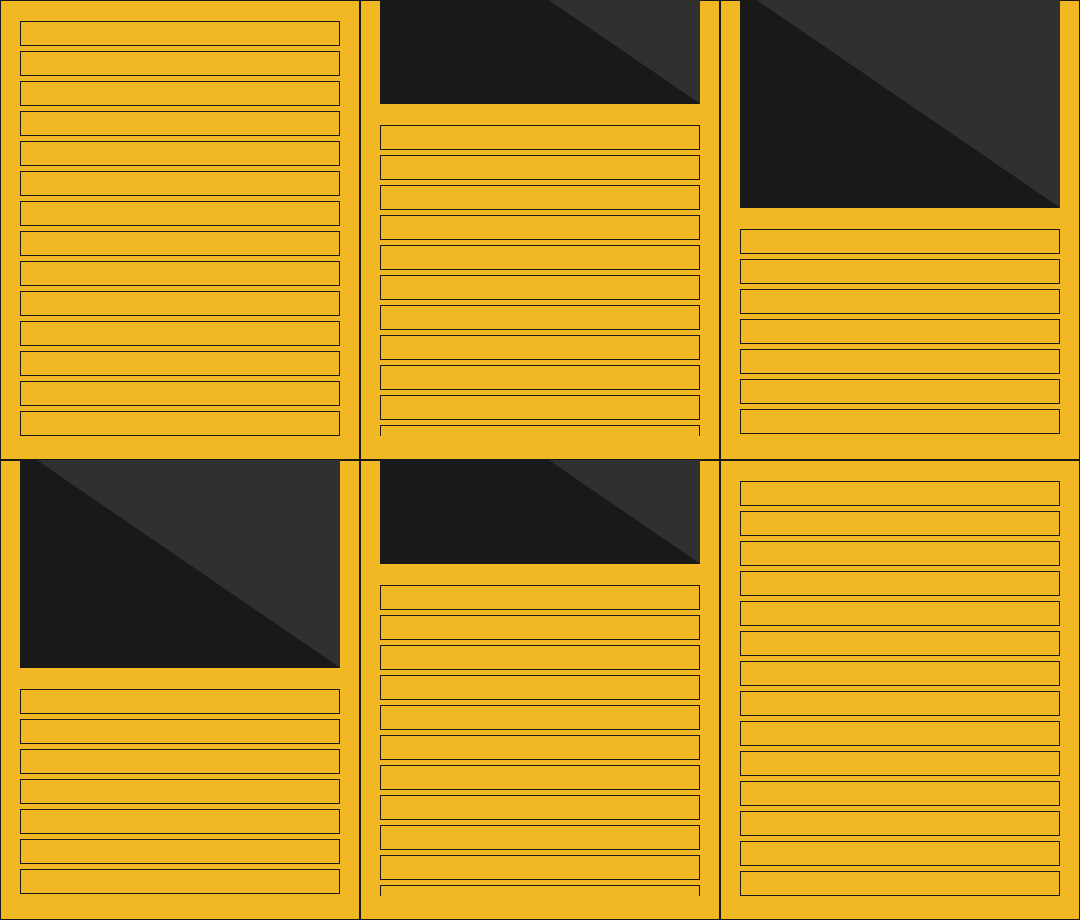
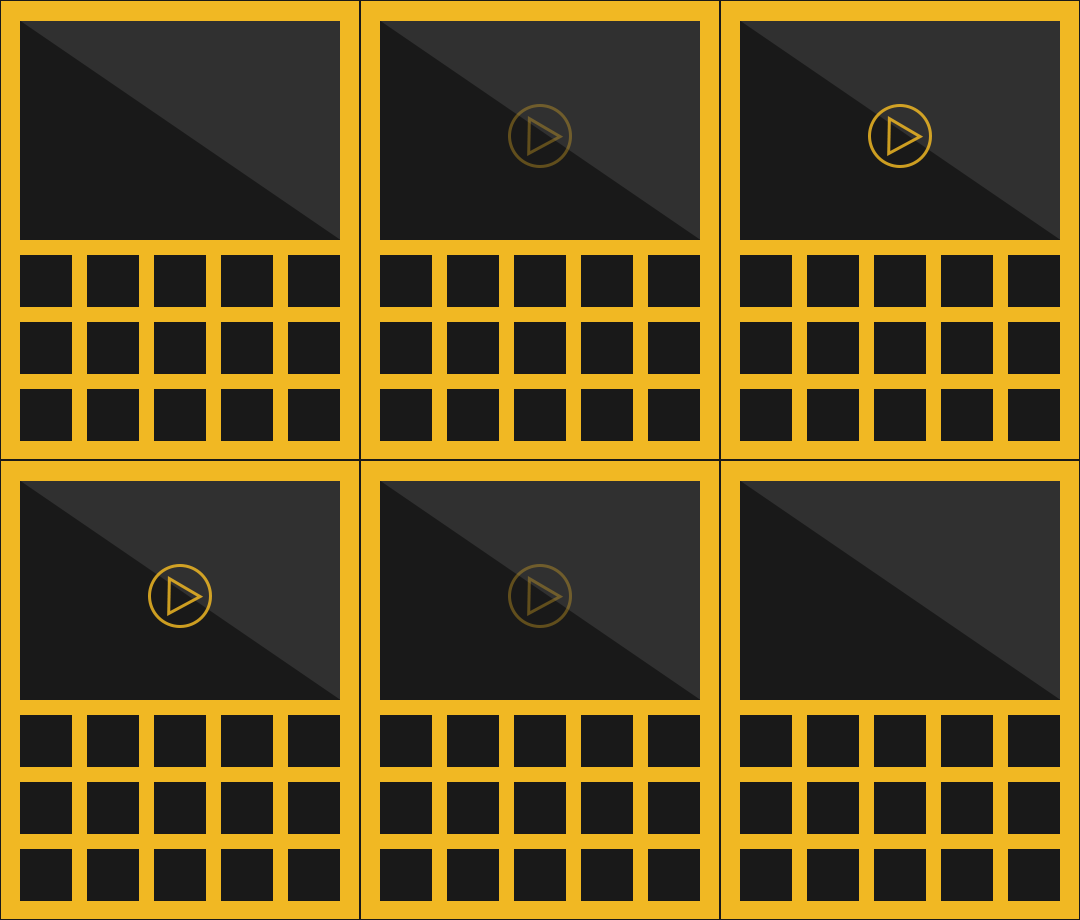
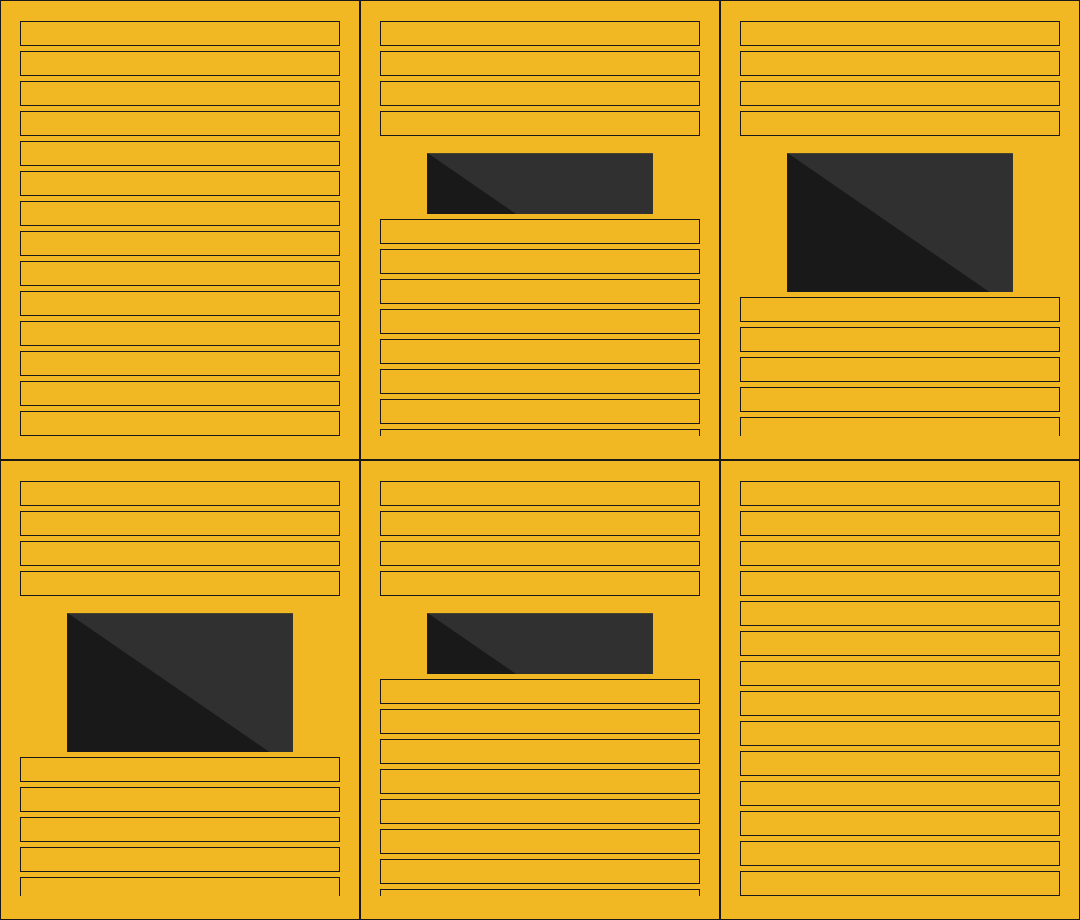
Publishers didn’t all want the same thing, so the player didn’t do just one thing. It slid in from the side, pushed down the page, ran ads in a banner, or slipped in after an article’s first paragraph. When phones refused to autoplay video, we went back to basics. Play cut each ad into a strip of still frames and animated them on the page with JavaScript. It looked like video, played on its own, and a tap swapped in the real thing. When your code is served more than a million times a day, every KB can cost you big bucks, so all of it fits in one script under 30KB.
The Platform
Screens
Redesigned to Remove the Middlemen
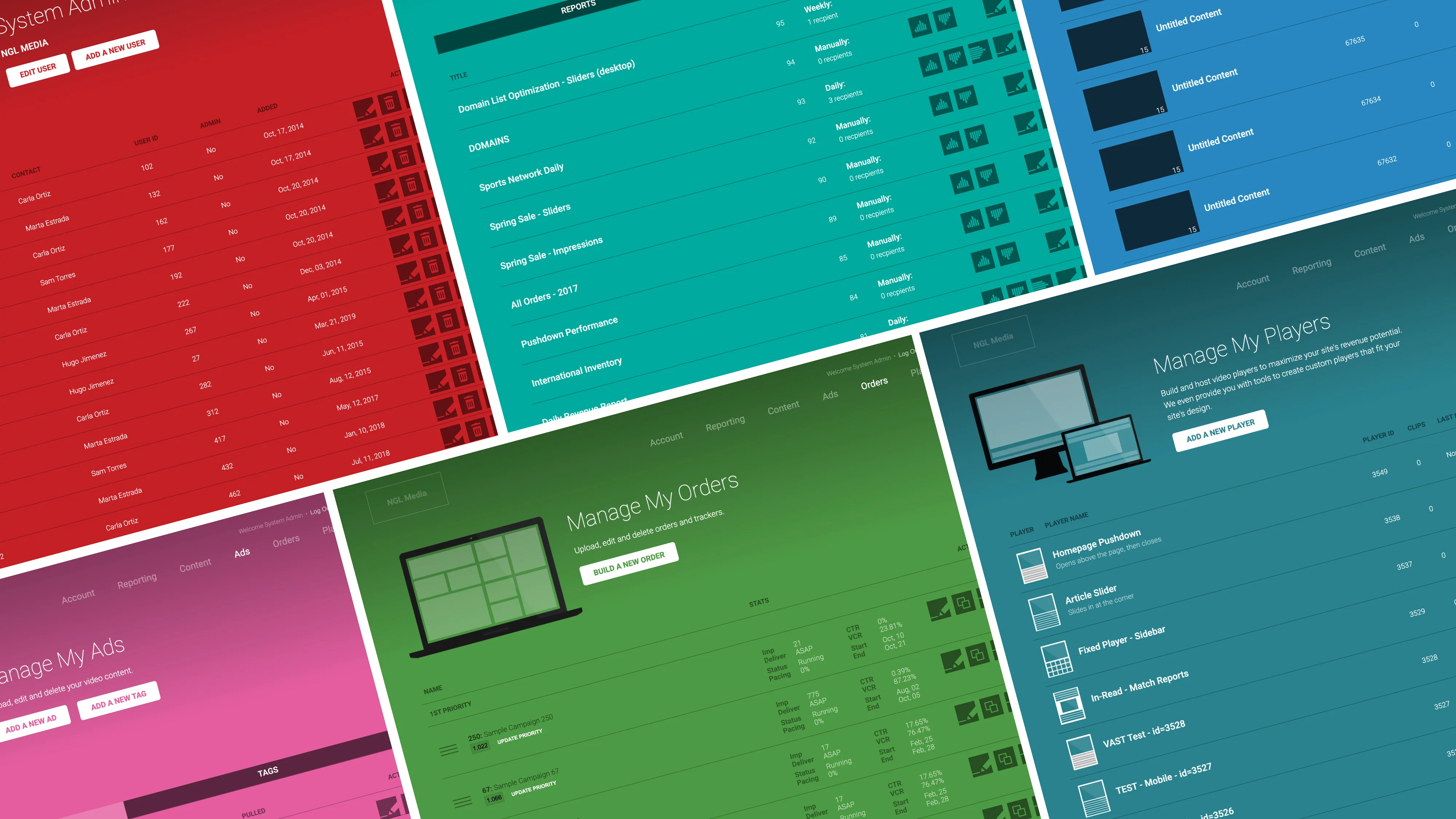
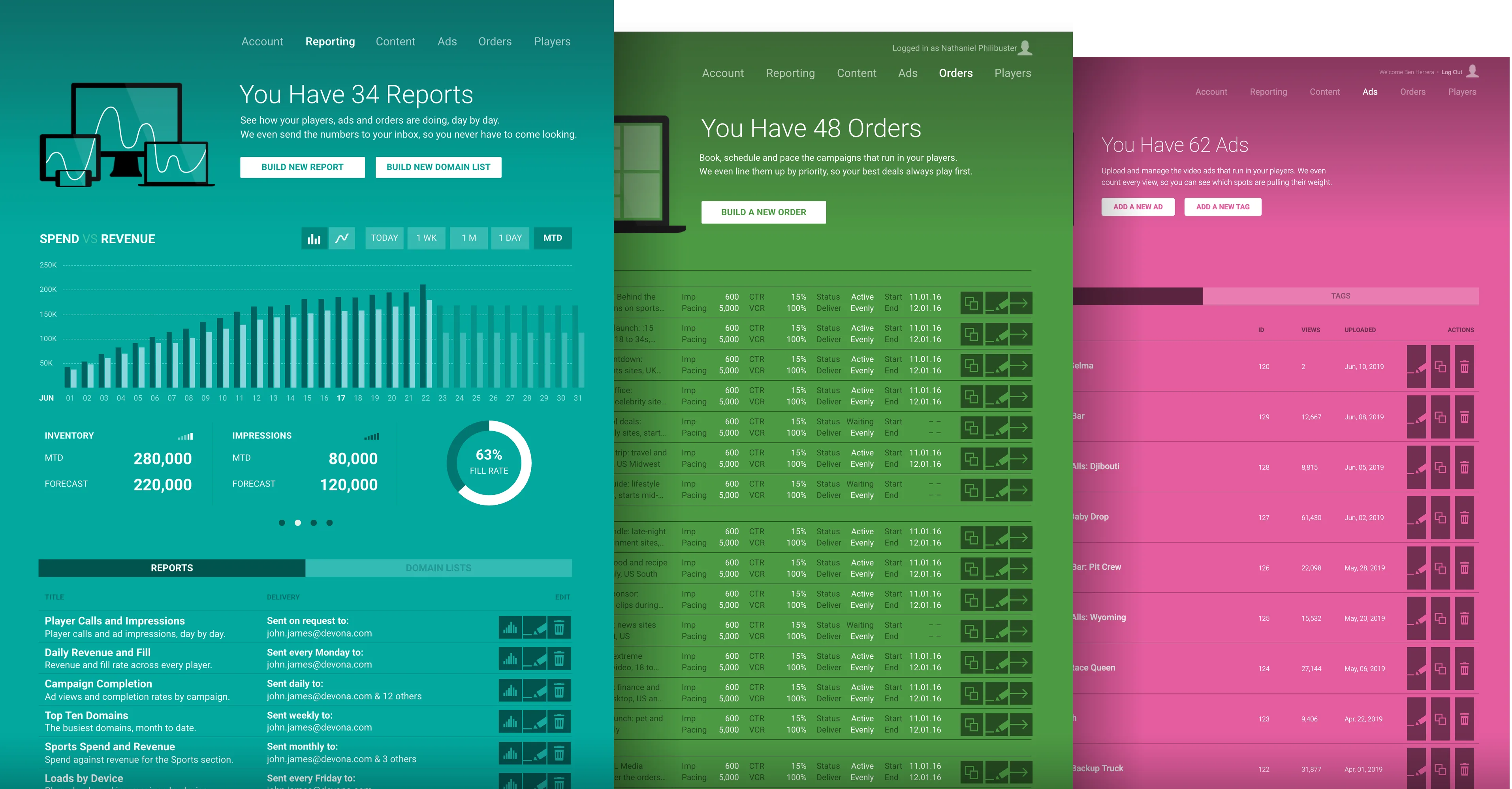
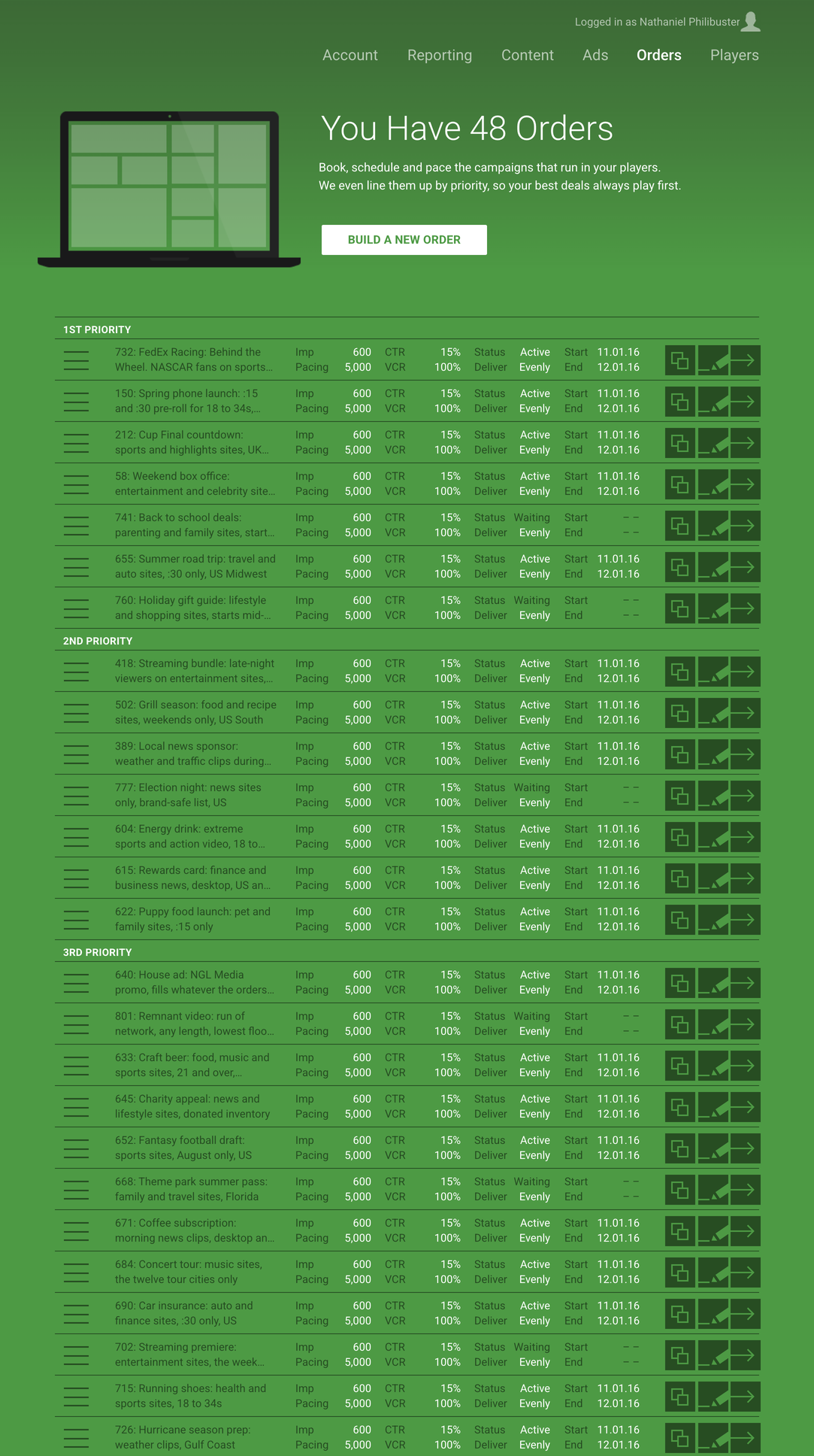
Piece by piece, Play took over the jobs NGL used to hand to someone else: first the OneScreen players, then, when LiveRail shut down, the ad server. Orders, pacing, capping and forecasts were too much for the old screens, so we redesigned the lot, giving each part its own color, icon and animation, so you know where you are before you read a word.

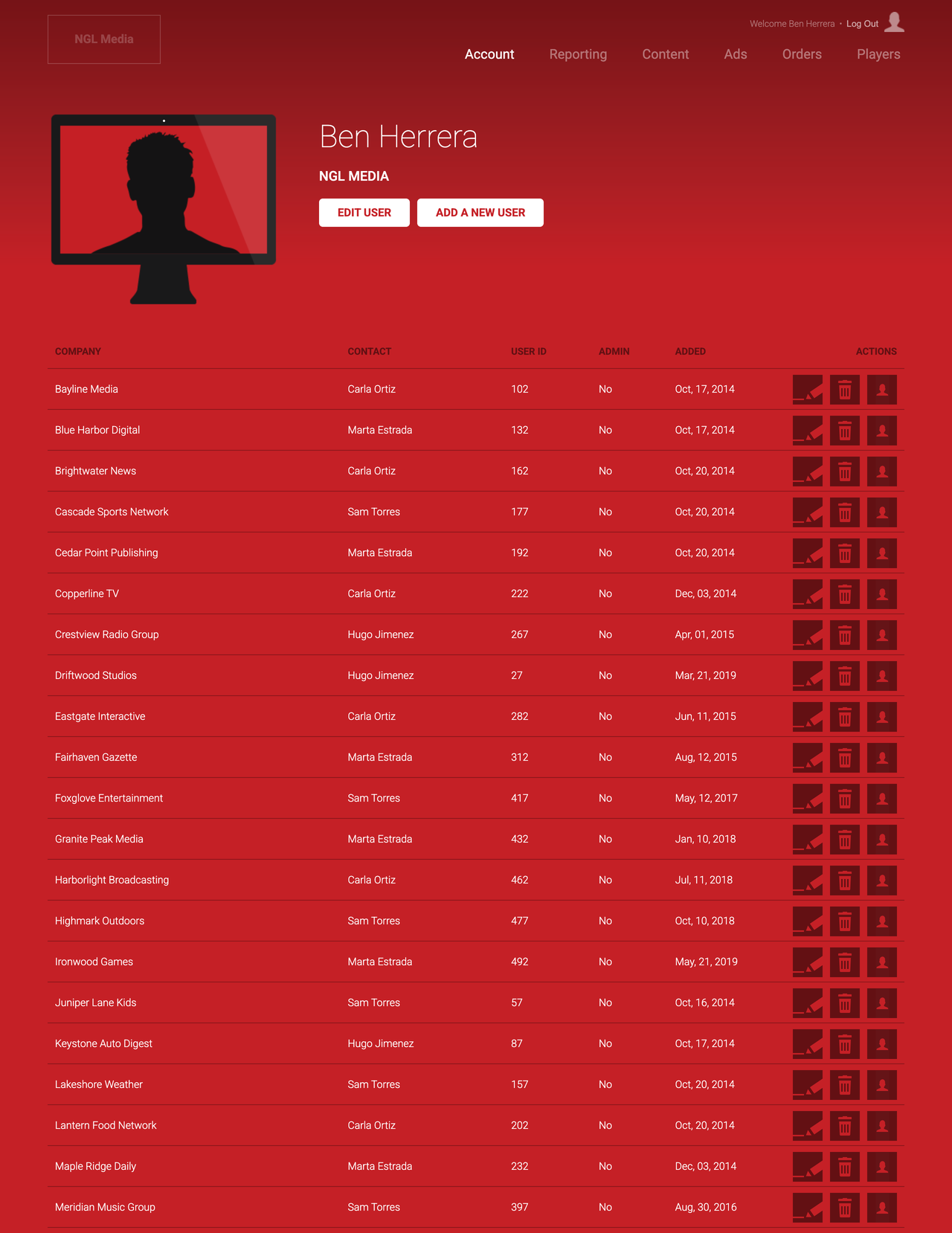
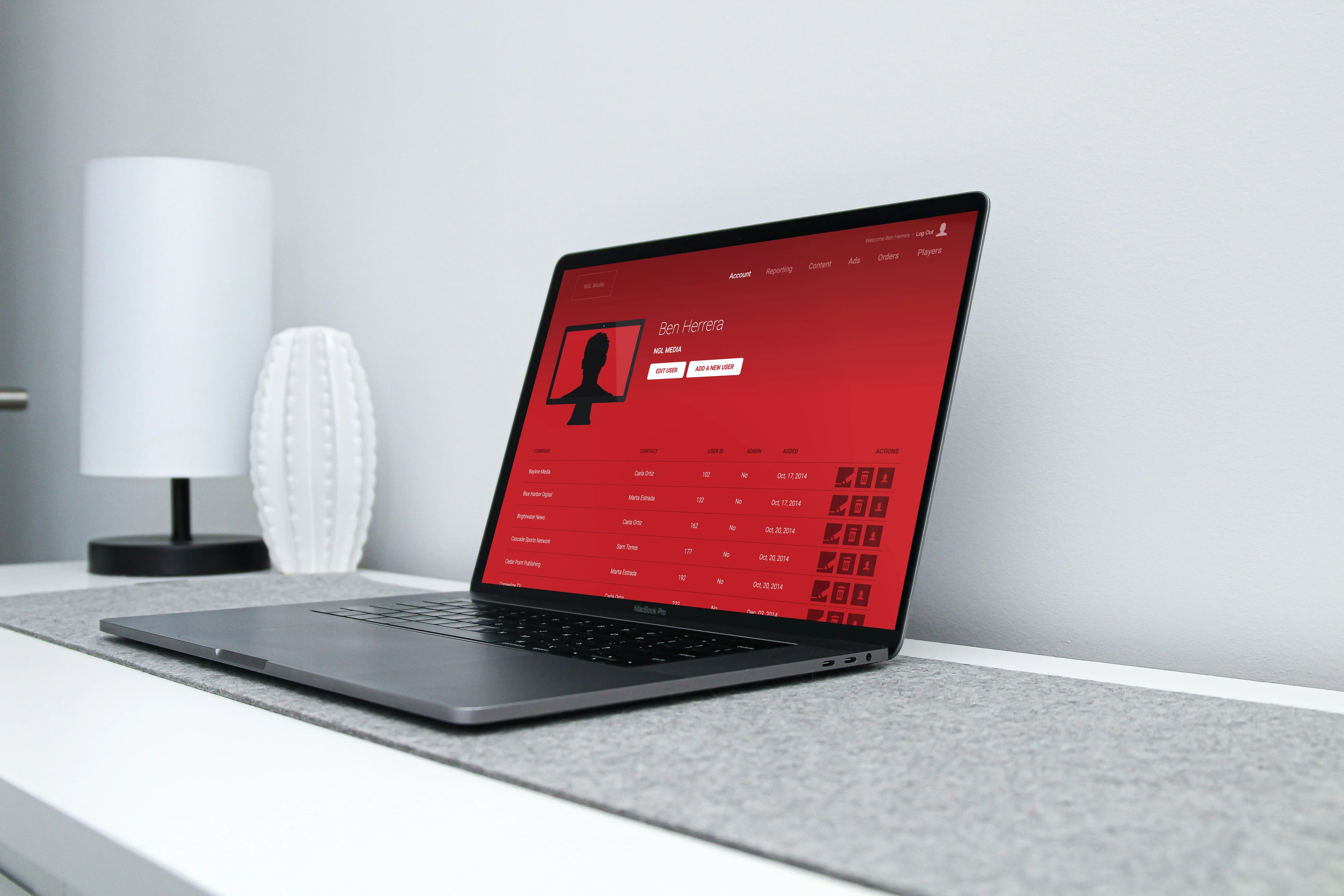
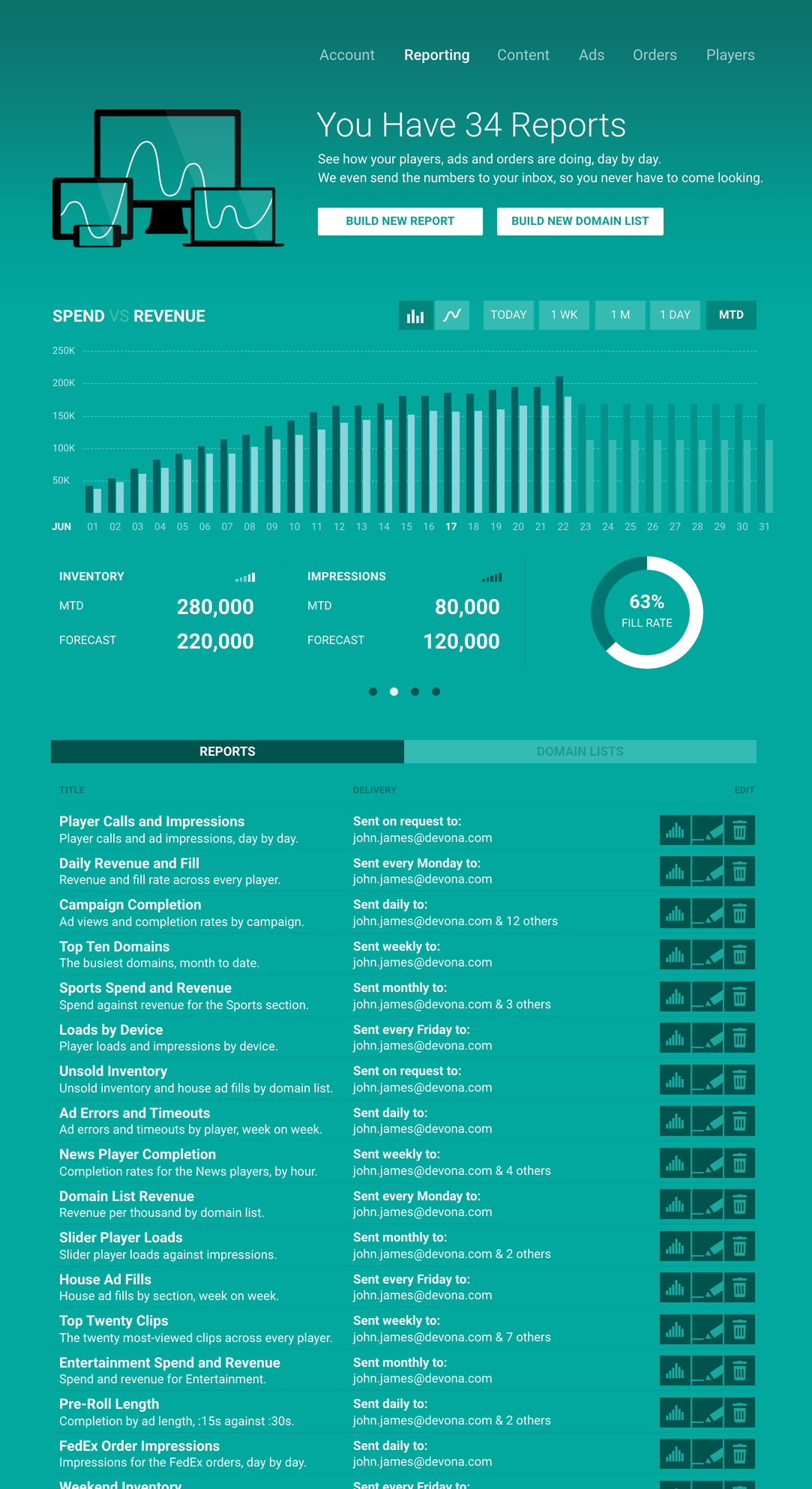
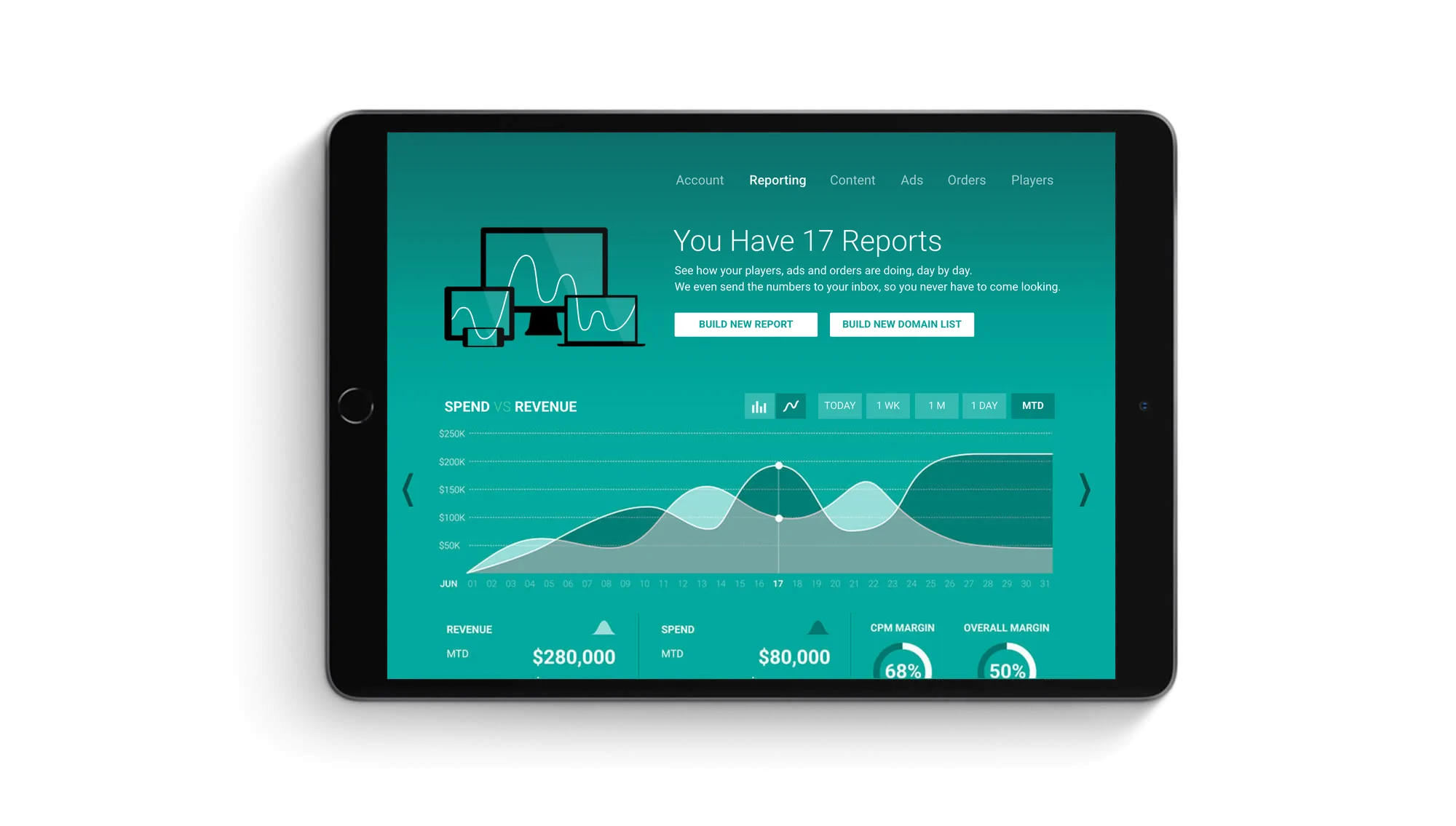
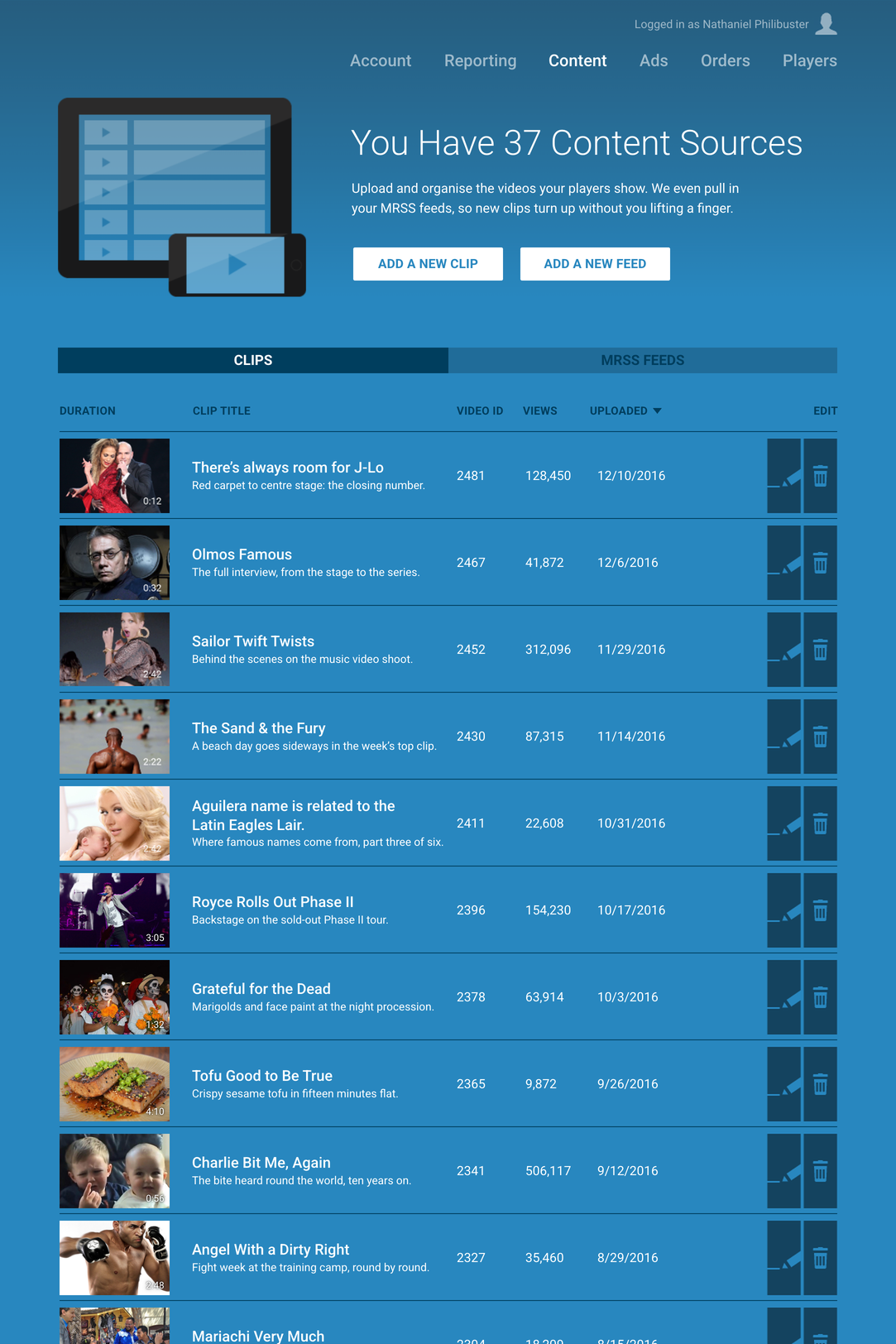
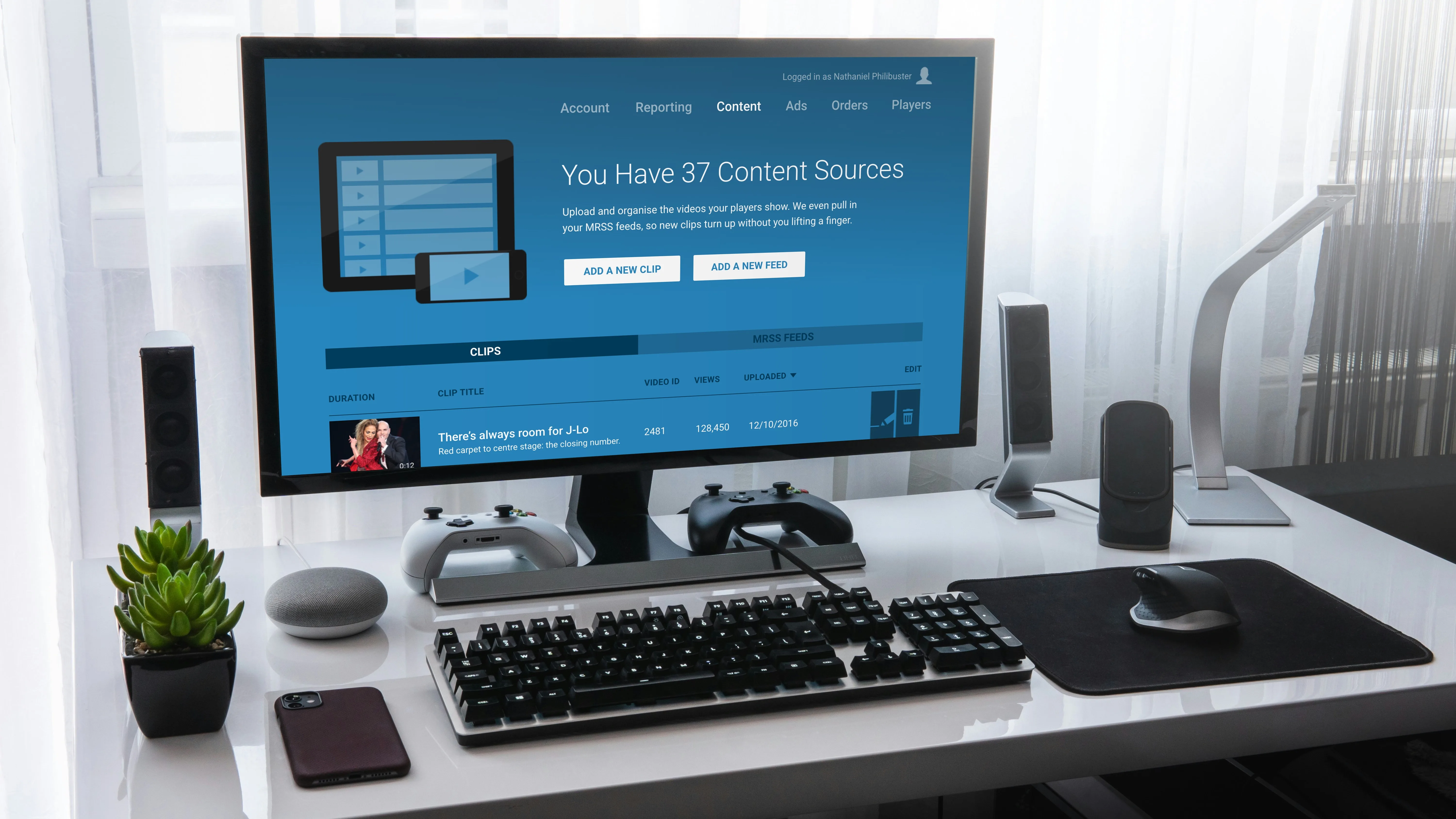
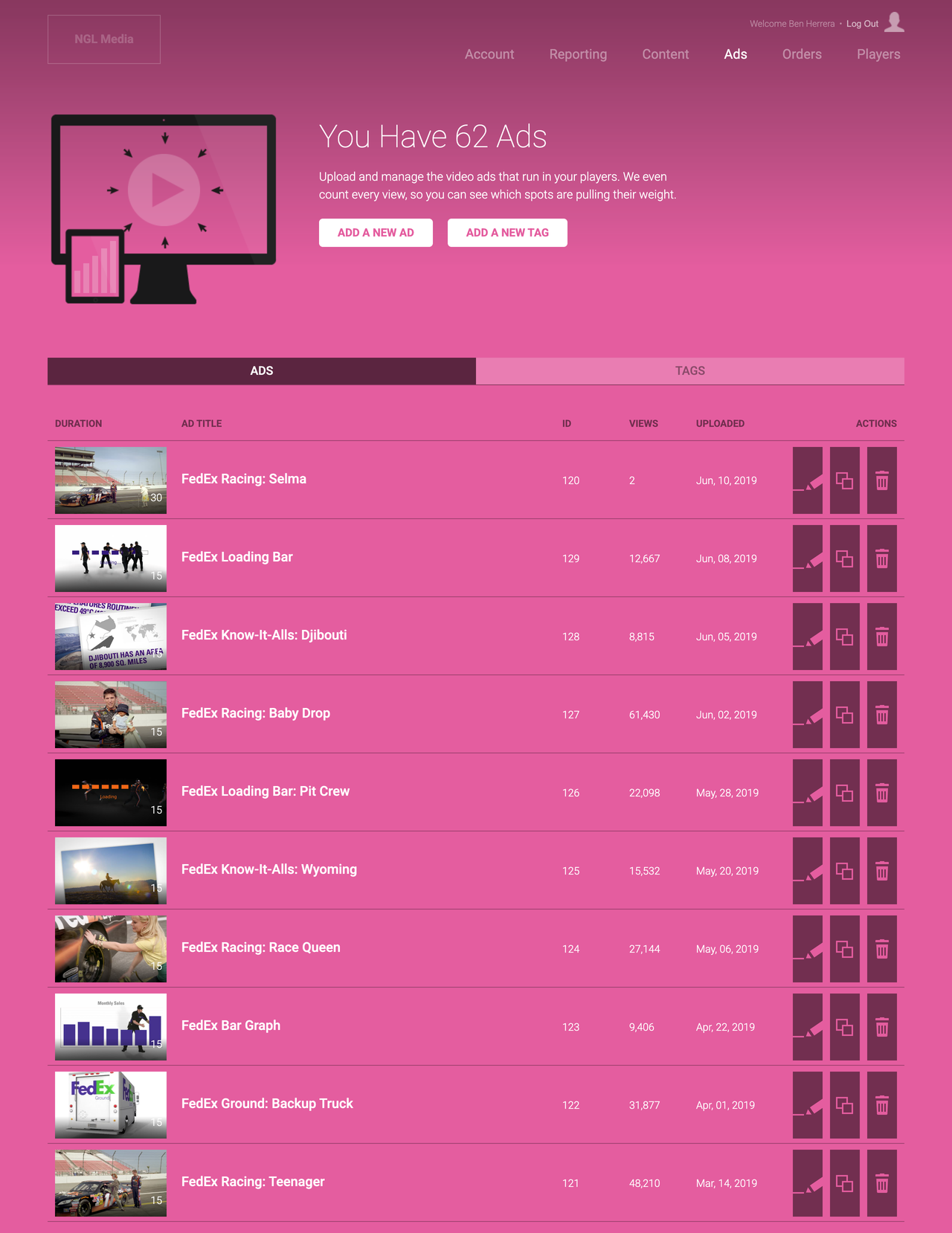
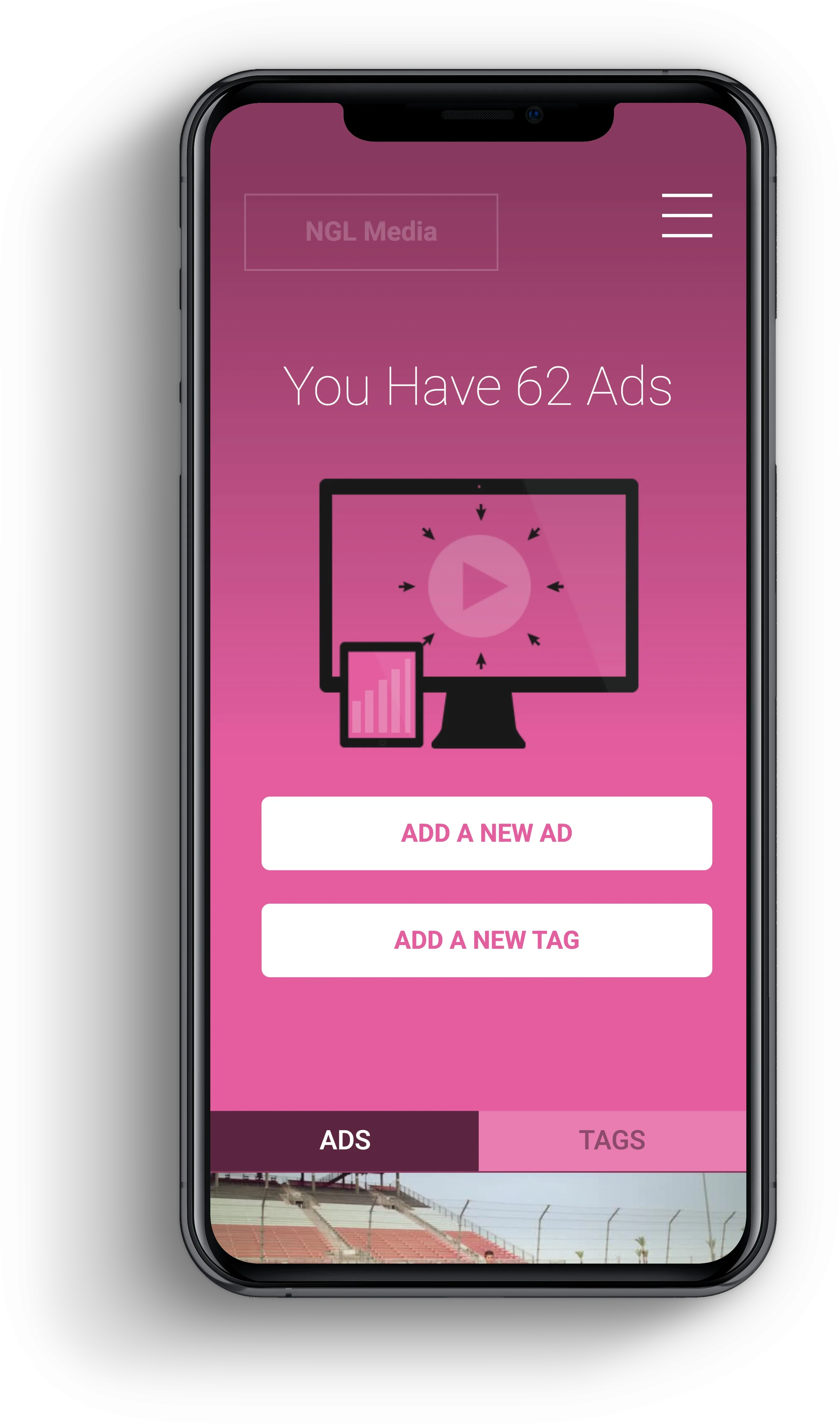
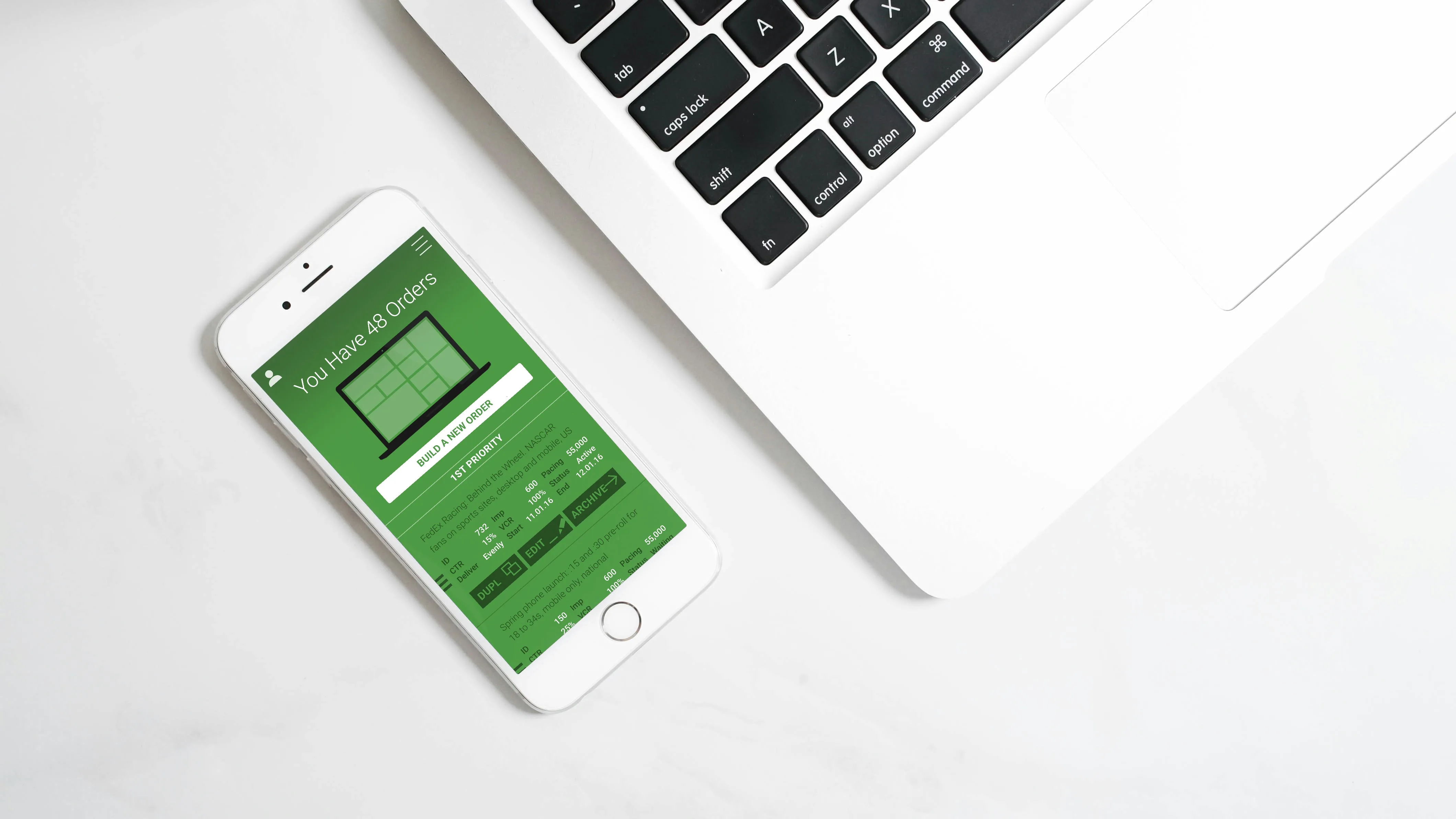
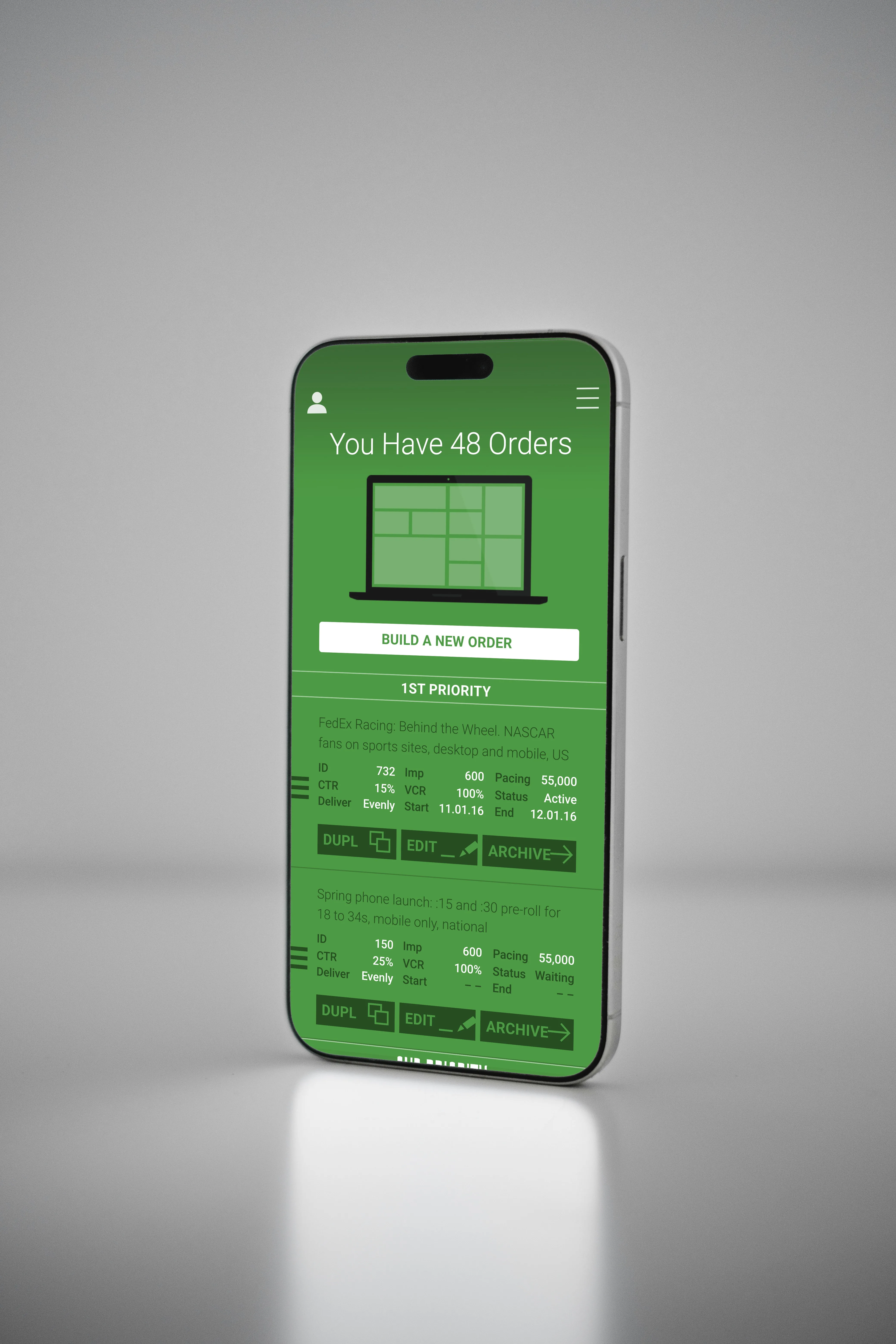
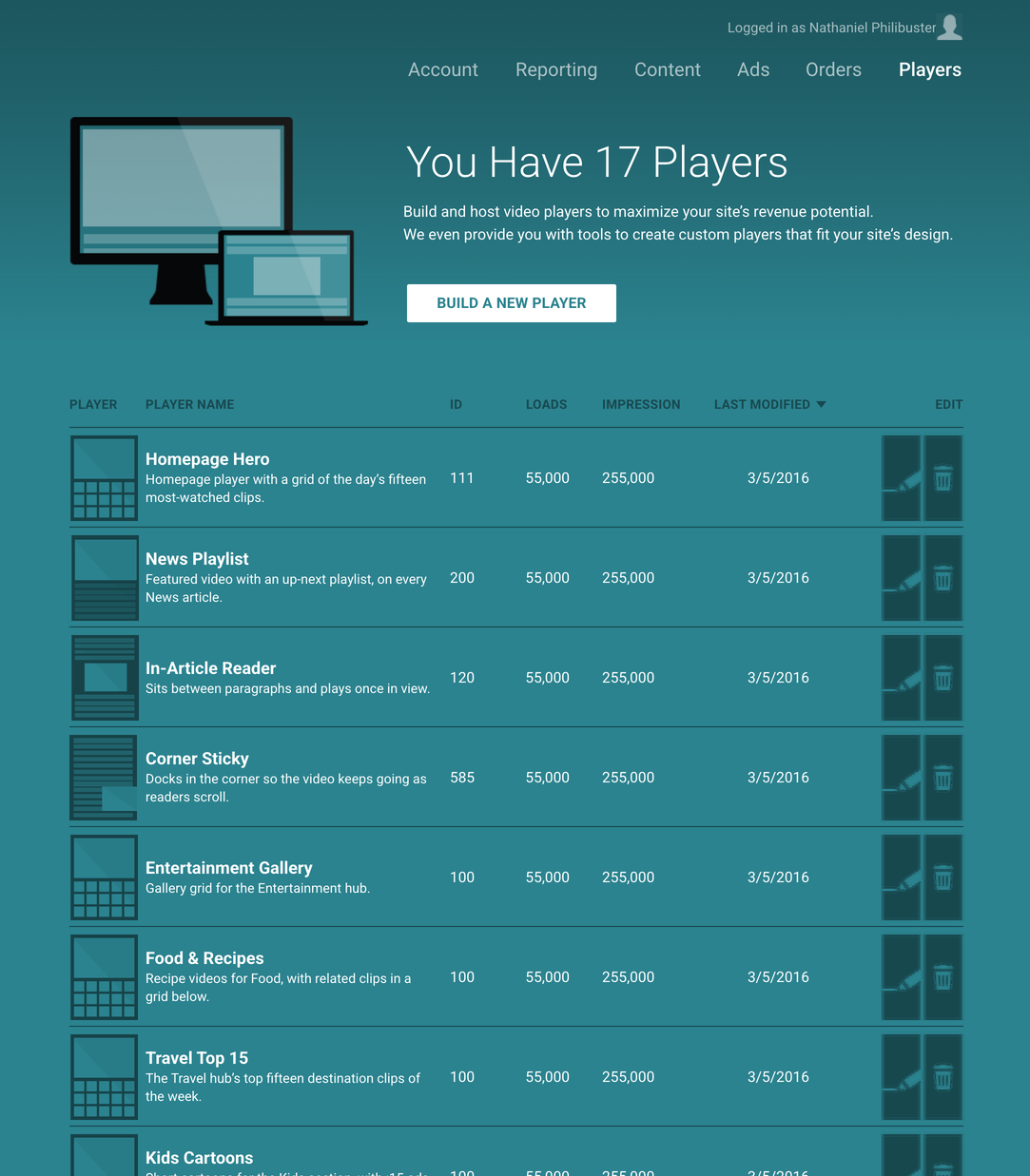
All that complexity fit in your pocket, too. The console worked just as well on a phone as on a desktop. So, no matter how tedious the task, you never had to wait to get back to the office.
Buttons






Nine Years
Learning From Every Lesson
Ad tech rewrites its rulebook every year or so, and Play didn’t just keep up it kept improving. Flash went in 2017. Then came VAST 4, sellers.json and supply chain tags, CCPA opt-outs, and Chrome’s Heavy Ads rules, which the player watched for and reported on by itself. Nine years of that, until the whole thing ran well enough that someone bought the company.